
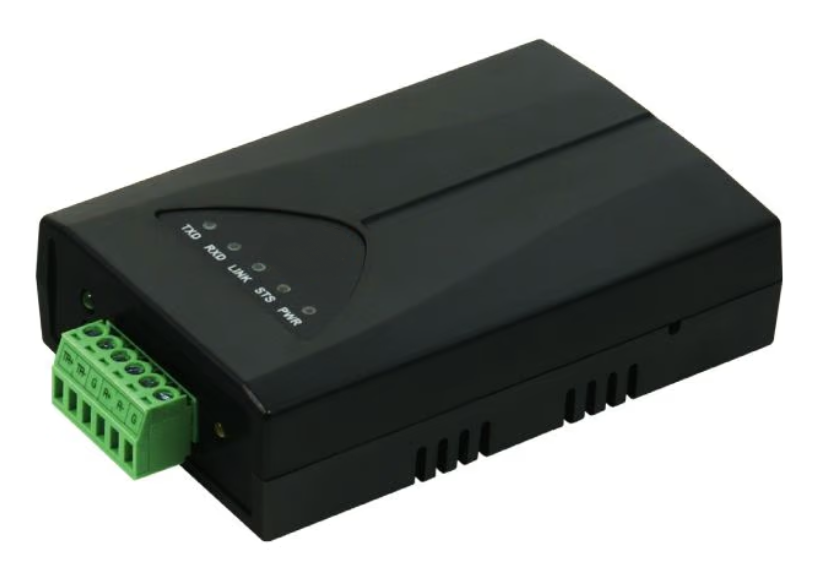
Connect the converter to a LAN network and plug in the adapter.
Download and install EZ Manager here.
Connect your computer to the same LAN network as the converter.
Open EZ Manager and select "Search All".
You can identify your converter in the column "Search Results" by its MAC address.
In the network tab, you can specify the network settings for the RS485 converter.
On the left, you can find the settings for obtaining an automatic IP address (recommended in most cases).
You can use the RS485 converter as a serial extension to the Sofar EMS.
Fill in the settings in the tab 'Serial port' as shown in the figure.
Fill in the settings of the 'Options' tab exactly as shown in the image.
Select "Write" to save.
No device found → error in:
We do not provide support for cabling or wiring questions (e.g., identifying wire colors such as red, white, green). Please refer to your product manuals or a qualified technician for any cabling-related assistance.