

Teltonika EV-laddstationer
Stödda enheter
| Device Type | Variants | Modbus TCP (Ethernet) | RS485 |
|---|---|---|---|
| TeltoCharge | 7.4kW/11kW/22kW | ✅* | ✅ |
Varning
Varning
TCP är endast tillgängligt för version EVC2 eller nyare generation av EV-laddare.
Anslutning
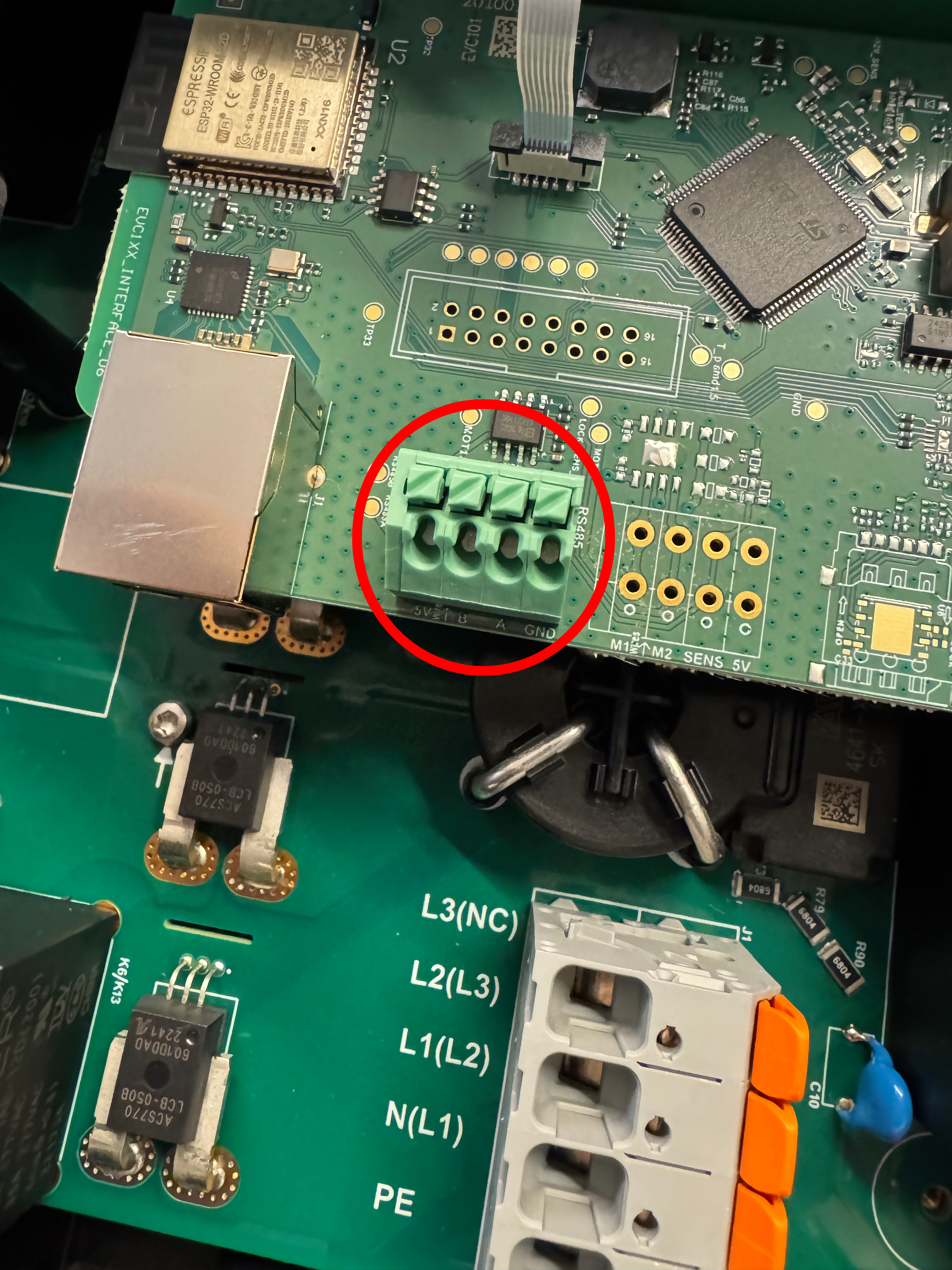
Kommunikationen mellan Sofar EMS och TeltoCharge sker via en RS-485 seriell buss eller Modbus TCP.
Info
RS485 Wiring
- For correct RS485 wiring: Follow the guidelines for RS485 wiring.
- If the wiring shown in the table below is incorrect, please let us know.
- There is no general consensus in the industry about the usage of A and B for the RS485 polarity, so it may be counterintuitive and opposite of what you might expect for some devices.
| Device | Sofar EMS model OM1 | Sofar EMS model IG8 | RS485-USB converter | RS485-Ethernet converter |
|---|---|---|---|---|
| RS485 A | RS485 A | RS485_POS | RS485 A | TX+ |
| RS485 B | RS485 B | RS485_NEG | RS485 B | TX- |
| GND | RS GND | GND | Not available | G |
Varning
NOTE: RS485 Device Addresses
- You MUST give each device on the RS485 bus a unique address. Check the manual of the device on how to do this.
- Use lower addresses first (1, 2, ...) because the Sofar EMS will find them faster!
- For each device, it is generally recommended to stick with the factory default baud rate, parity, and stop bits. The Sofar EMS will scan on those first.
Inställningar
Följ stegen nedan för att aktivera Modbus på TeltoCharge:
- Öppna enhetsinställningarna i Teltonika-appen.
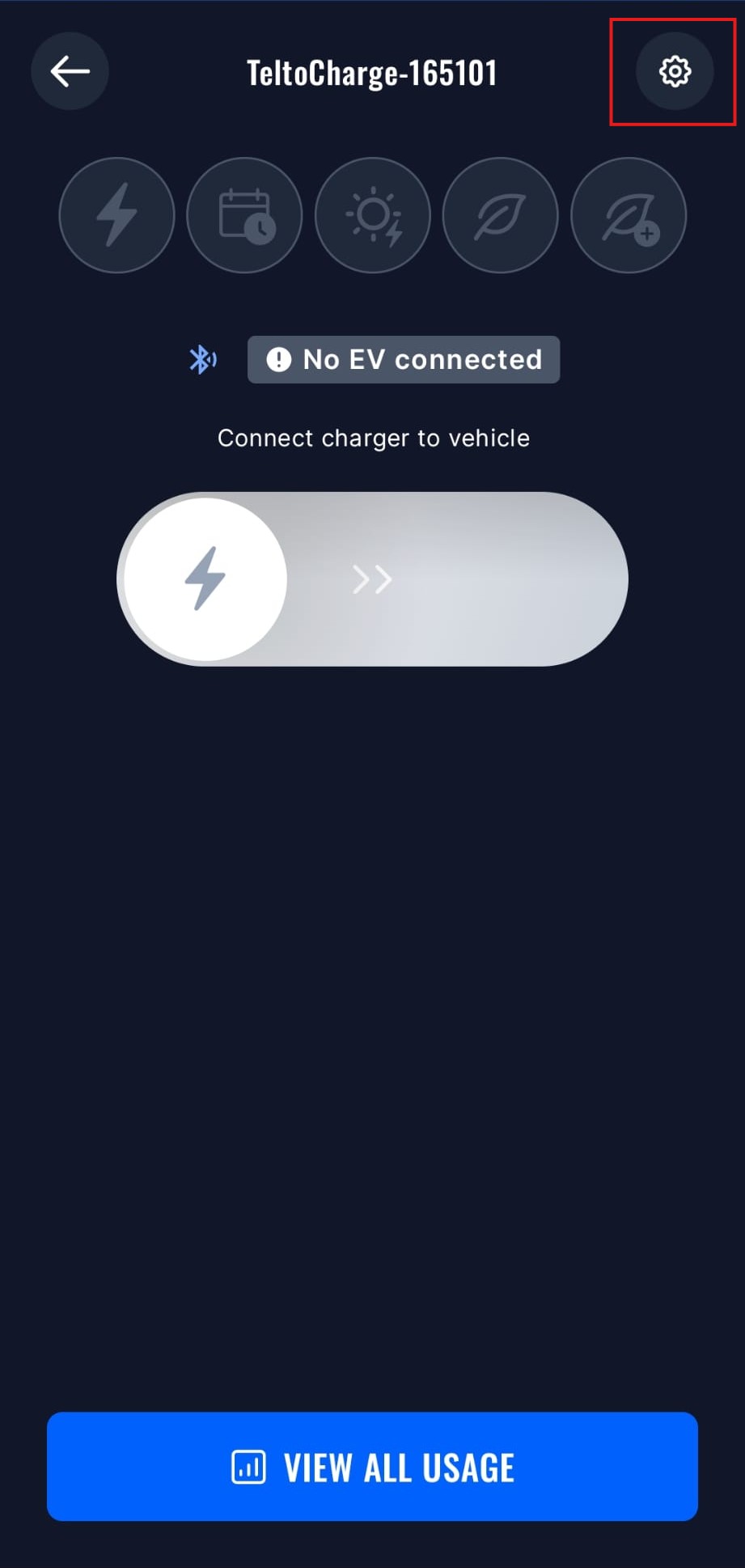
- Öppna Installer-menyn, du behöver ange installatörskoden för att få åtkomst till denna meny.
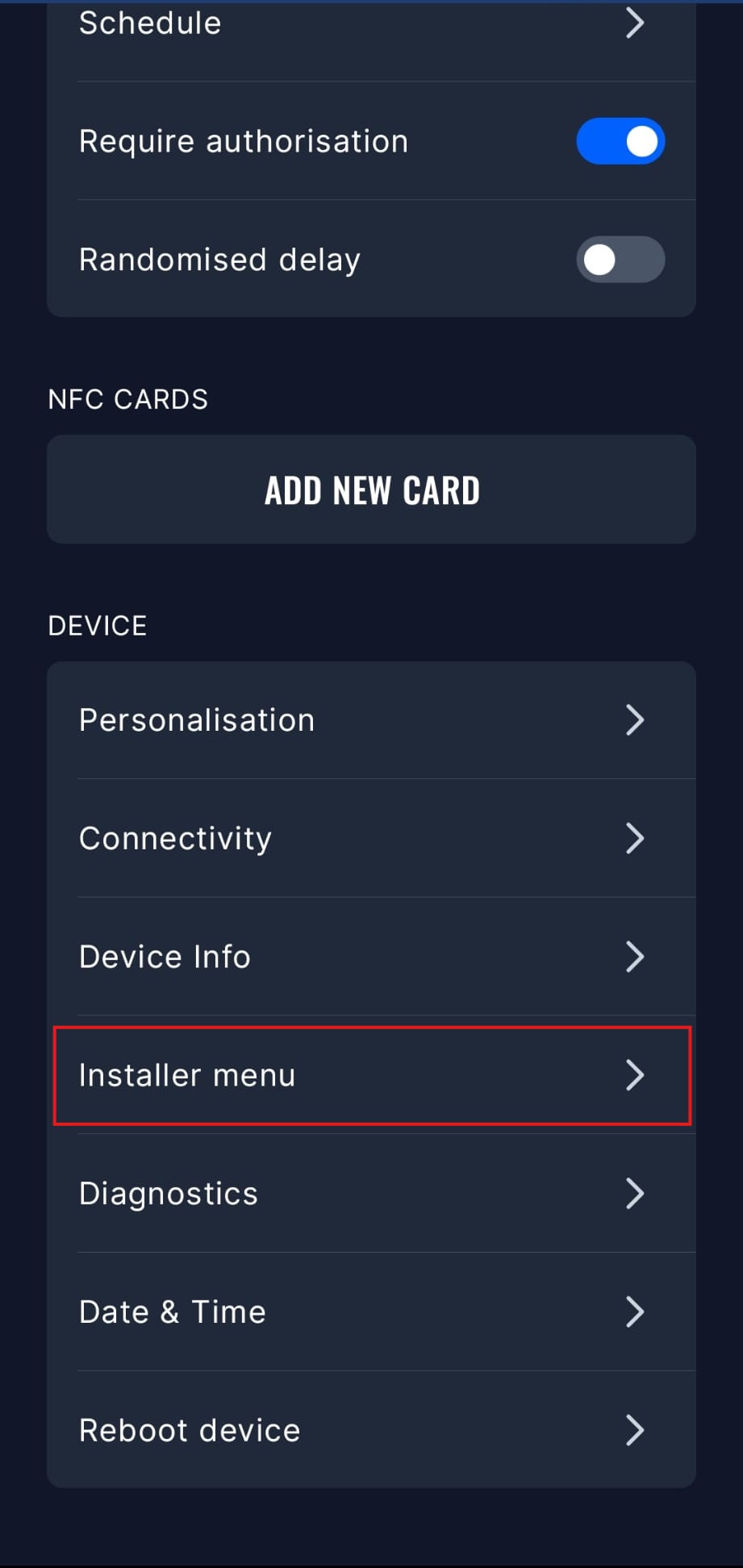
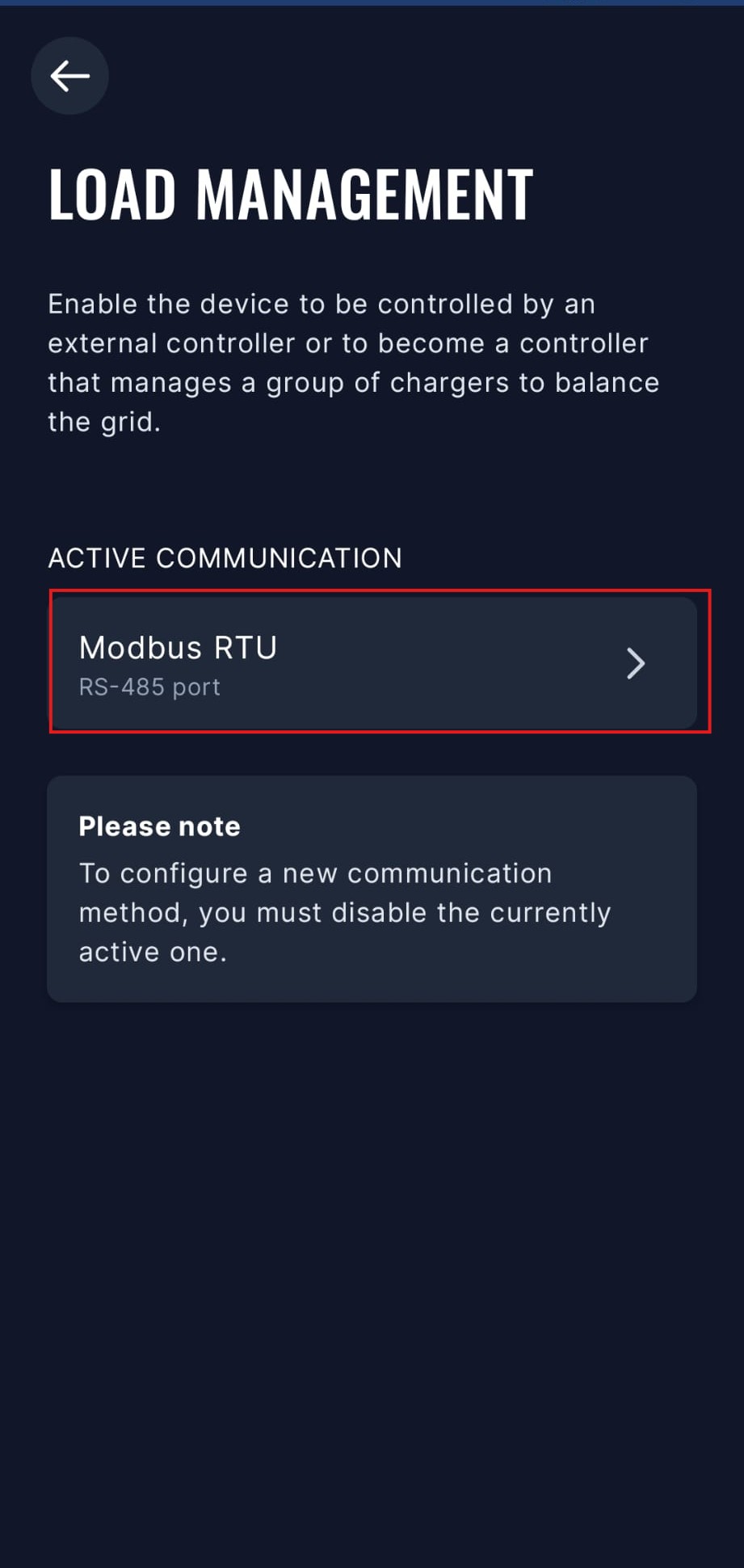
- Öppna menyn för lasthantering.
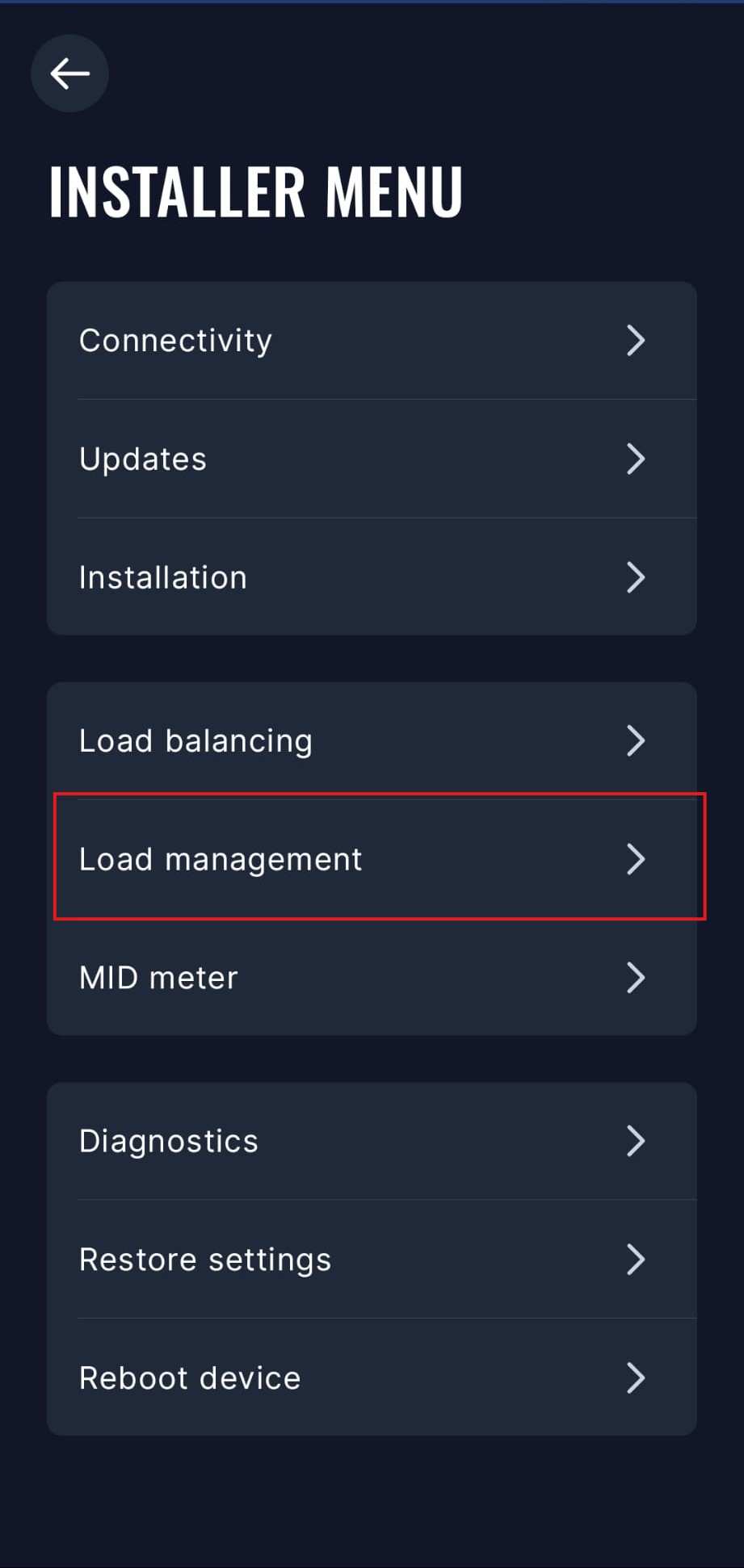
- Välj alternativet Modbus RTU. Du måste inaktivera andra kommunikationsalternativ för att aktivera Modbus RTU.
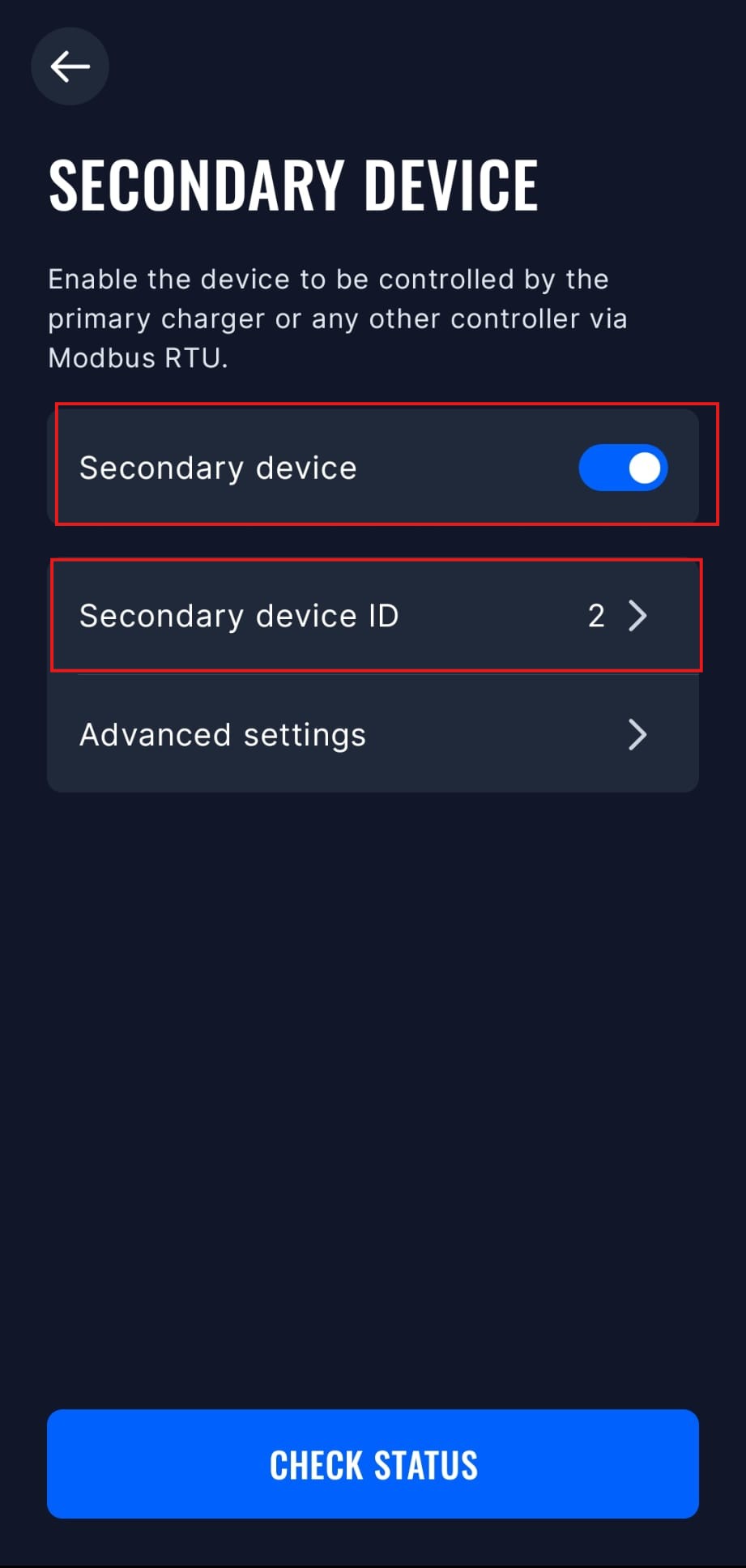
- Välj läget "Sekundär enhet" och aktivera det. Du kan även ställa in Modbus-adress och andra avancerade inställningar i denna meny, men standardinställningarna bör fungera bra.
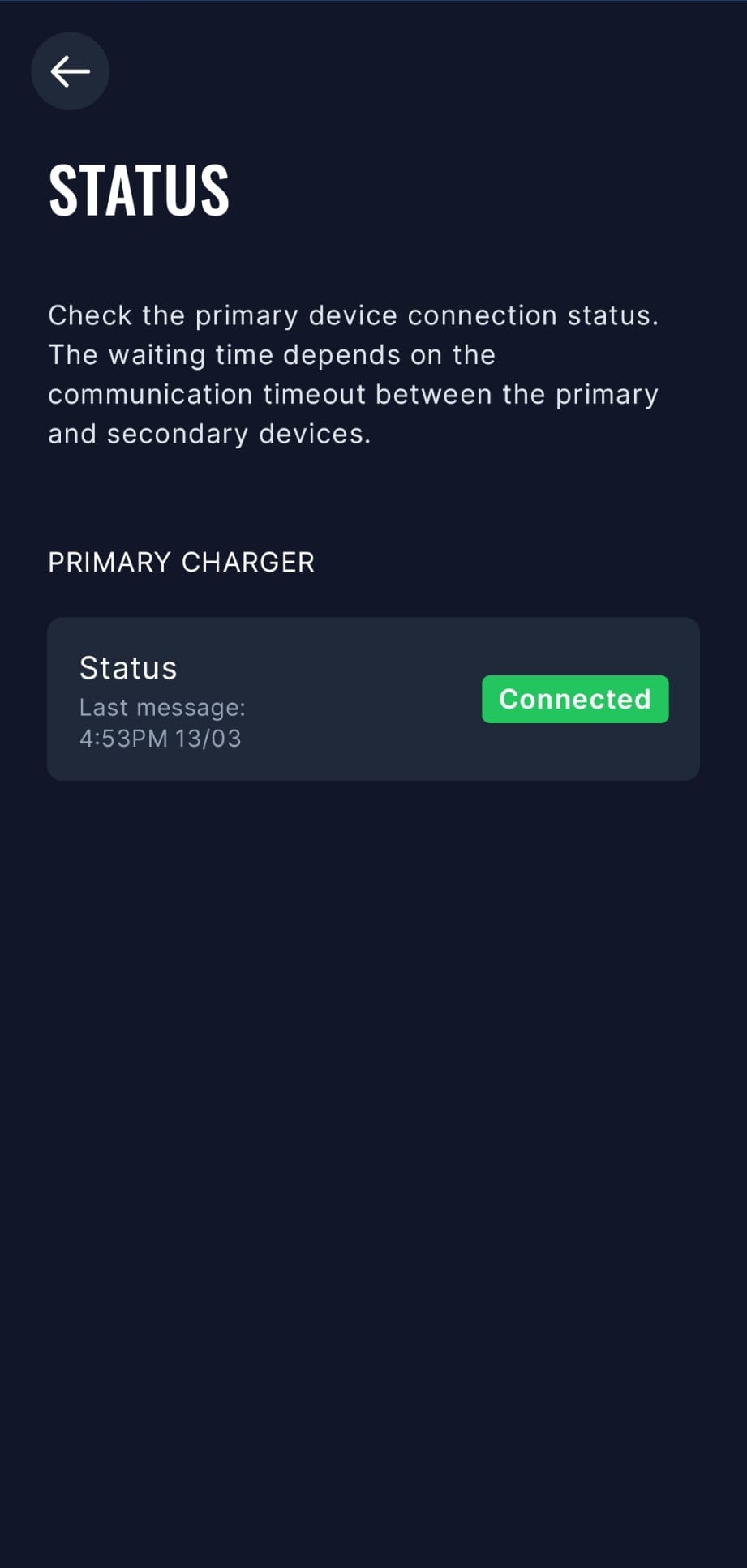
- Sofar EMS kan nu kommunicera med TeltoCharge via Modbus RTU. Du kan kontrollera anslutningsstatus i appen.
Äldre modeller
TeltoCharge måste ha modbus aktiverat:
- Öppna Teltonika-appen
- Gå till "Inställningar" -> "Installer-meny"
- Aktivera "Dynamisk lastbalansering"
- Efter detta blir "Dynamisk lasthantering" synlig
- Scrolla ned och aktivera "Dynamisk lasthantering"
- Klicka på "Spara"
- TeltoCharge startar nu om och modbus aktiveras
Last updated April 1, 2026Edit this page