

Inversores Sofar HYD 3000…6000-ES
Dispositivos compatibles
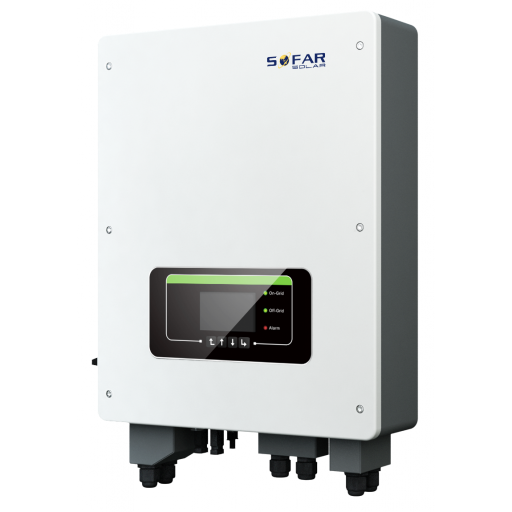
| Device Type | Modbus TCP (Ethernet) | RS485 | Curtailment |
|---|---|---|---|
| Sofar HYD 3000…6000-ES | ✅ (Solarman WiFi & ethernet dongles) | ✅ | ❌ |
Advertencia
Advertencia
- Se recomienda usar RS485, ya que el dongle Solarman puede cambiar el firmware y bloquear el acceso Modbus TCP.
- Si utiliza un dongle Solarman, se recomienda usar el dongle ethernet para mayor estabilidad en la conexión.
Cableado
Ethernet
Para un cableado ethernet correcto: siga las directrices para cableado ethernet.
Conecte el inversor a su red de internet usando el "dongle Solarman".
- Instale el dongle WiFi o Ethernet en el inversor y asegúrese de que esté conectado a su red.
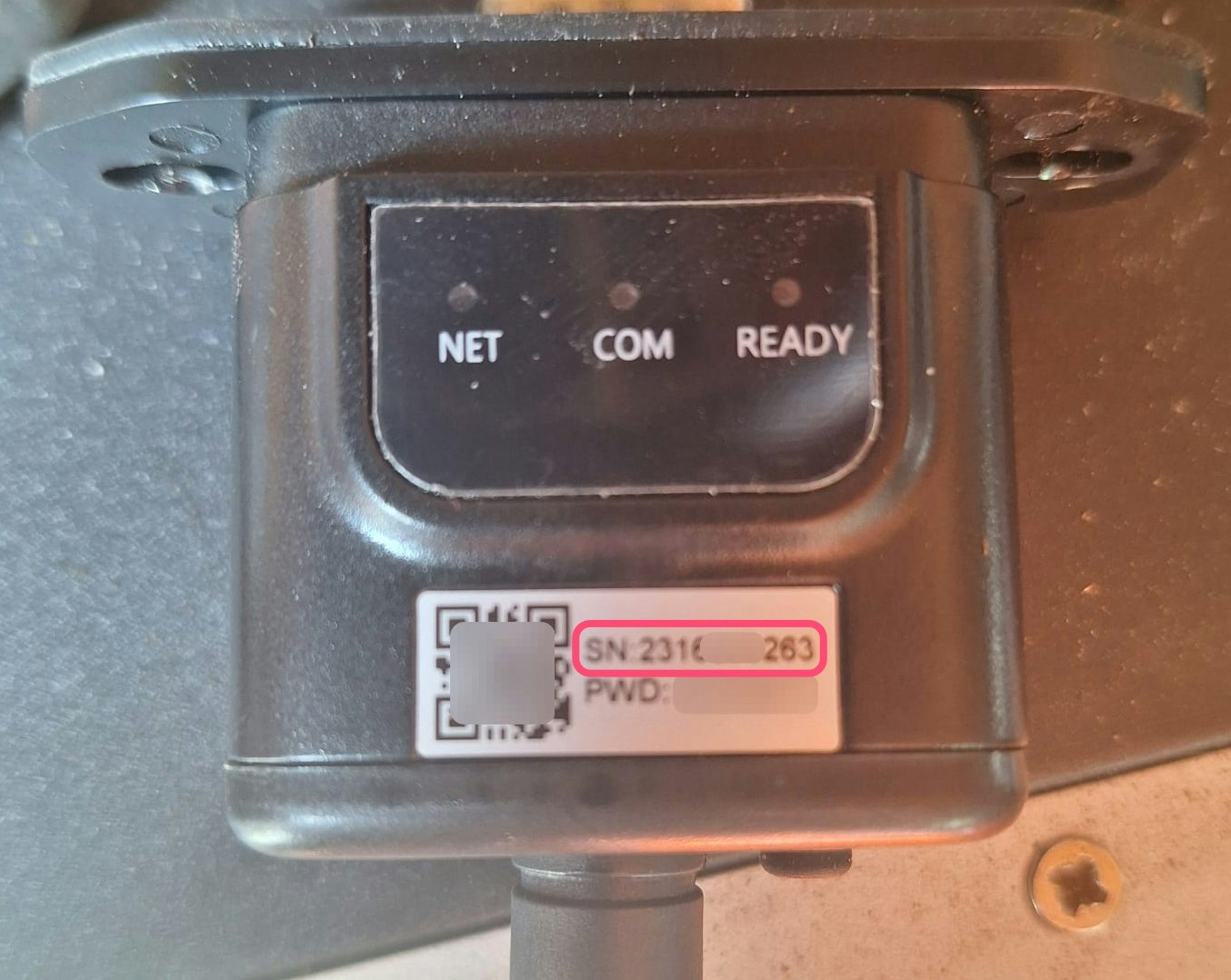
- Anote el número de serie del dongle (véase la imagen a la izquierda/arriba). Lo necesitará al configurar la comunicación con el controlador.
Nota
Nota
Firmware del dongle Se han probado el firmware del dongle WiFi LSW3_15_FFFF_1.0.65 y el firmware del dongle ethernet ME_08_2701_2.06. En caso de problemas, puede intentar instalar estas versiones específicas de firmware en el dongle. Por favor, contacte con el proveedor de su dongle para ello.
RS485
Info
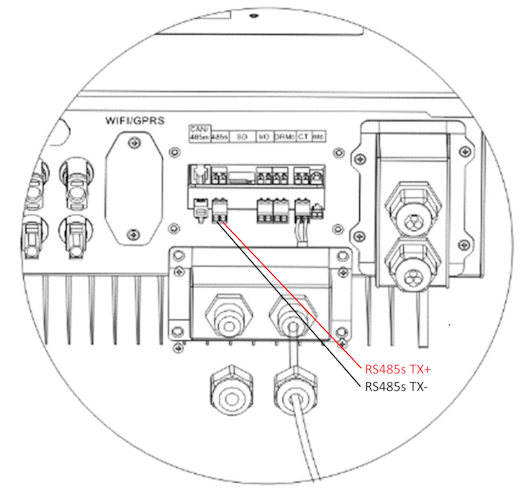
RS485 Wiring
- For correct RS485 wiring: Follow the guidelines for RS485 wiring.
- If the wiring shown in the table below is incorrect, please let us know.
- There is no general consensus in the industry about the usage of A and B for the RS485 polarity, so it may be counterintuitive and opposite of what you might expect for some devices.
| Device | Sofar EMS model OM1 | Sofar EMS model IG8 | RS485-USB converter | RS485-Ethernet converter |
|---|---|---|---|---|
| RS485s TX+ | RS485 A | RS485_POS | RS485 A | TX+ |
| RS485s TX- | RS485 B | RS485_NEG | RS485 B | TX- |
| N/A | RS GND | GND | Not available | G |
Configuración
Activación del control externo de batería
El control externo de batería debe activarse en el menú de configuración del inversor a través de la pantalla LCD. En la configuración del inversor:
- Vaya a "Basic settings".
- Vaya a "Energy Storage Mode".
- Establezca esta opción en "Set Passive Mode".
- Para más información, consulte el Manual del propietario de Sofar HYD 3000/4000/5000/6000-ES en la página 26 y siguientes.
RS485
Advertencia
NOTE: RS485 Device Addresses
- You MUST give each device on the RS485 bus a unique address. Check the manual of the device on how to do this.
- Use lower addresses first (1, 2, ...) because the Sofar EMS will find them faster!
- For each device, it is generally recommended to stick with the factory default baud rate, parity, and stop bits. The Sofar EMS will scan on those first.
El control externo del inversor debe activarse en el menú de configuración del inversor a través de la pantalla LCD.
- Pulse brevemente el botón de abajo.
- Aparecerá "1. Enter settings", mantenga pulsado el botón de abajo durante 2 segundos para entrar en la configuración.
- Navegue por la configuración hasta que vea:
- Dirección Modbus o
- Set ComProtocol
- Mantenga pulsado el botón de abajo durante 2 segundos para establecer la dirección.
- Configure la Dirección al valor deseado.