
Apply a reusable template to an installation and override supported content safely.
An instance configuration resolves a reusable template for one installation. It is where site-specific images, measurements, and controller assignment come together.
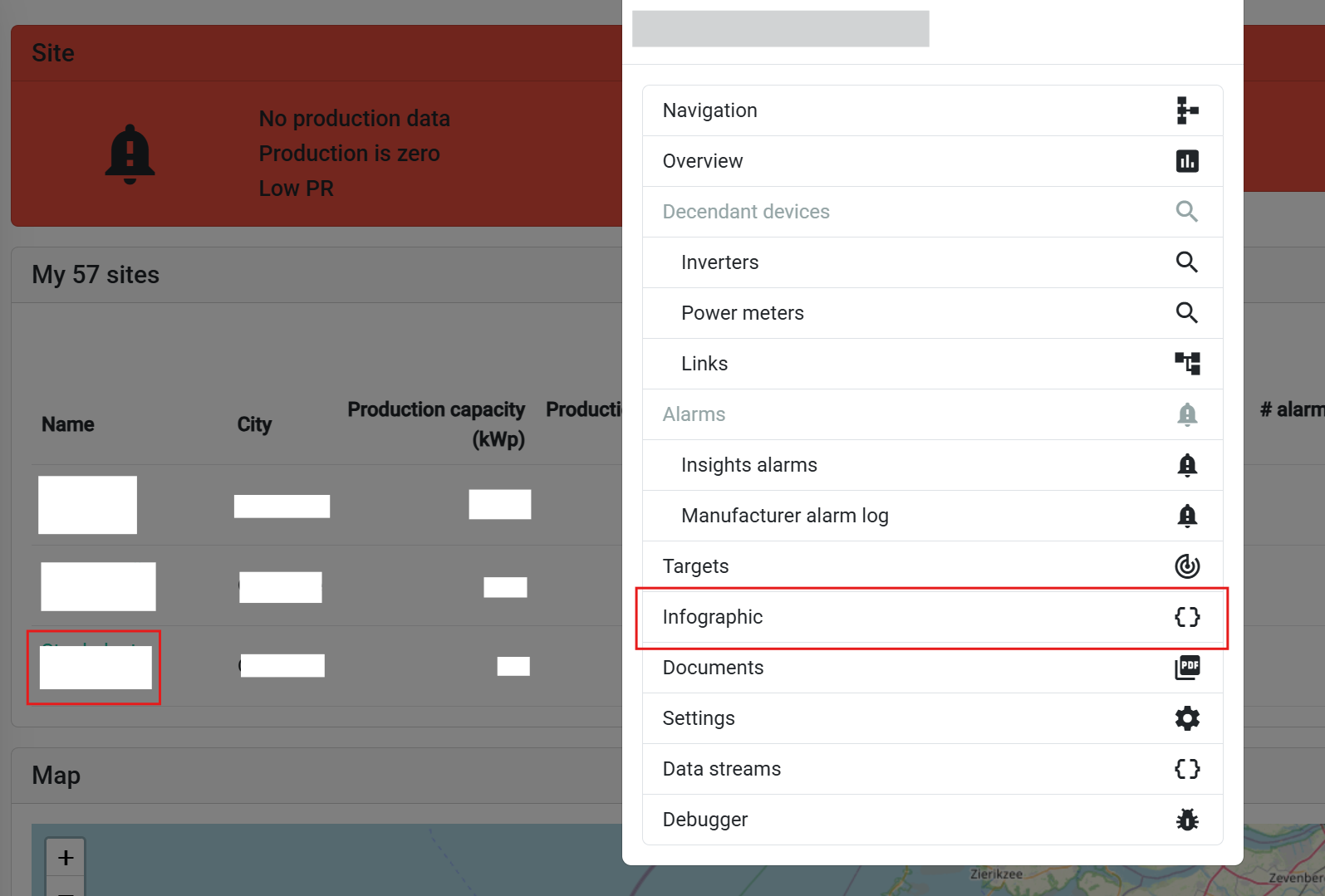
Open the installation and choose Public displays from its Features menu. The link is shown to administrators on supported site types.
The overview lists the configurations already associated with the site.


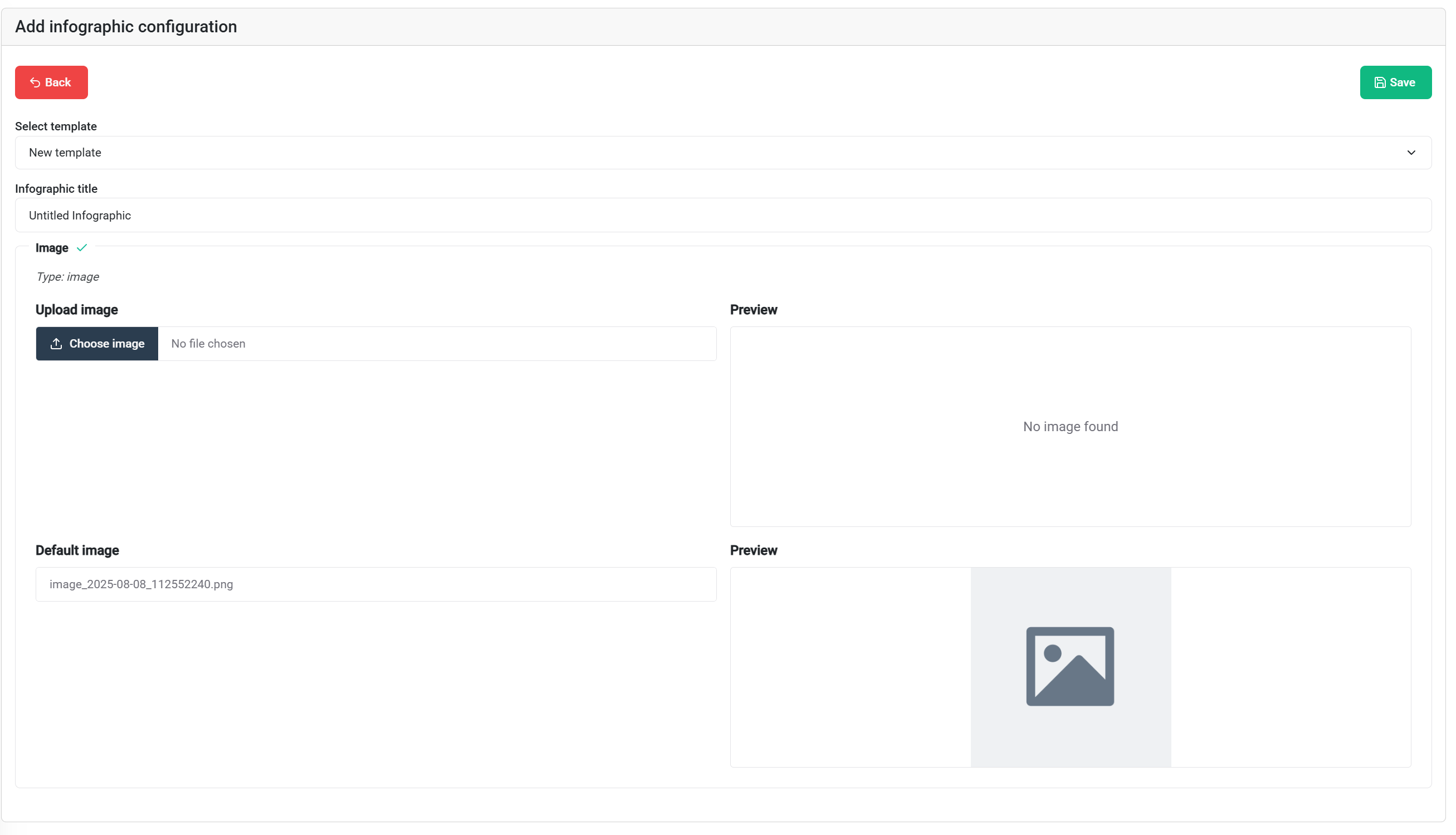
Template defaults remain available when no override is required. The instance editor can replace supported content—particularly image configuration—without modifying the source template for other sites.
Open View to render the resolved instance. Test at the target screen size and inspect every slide.
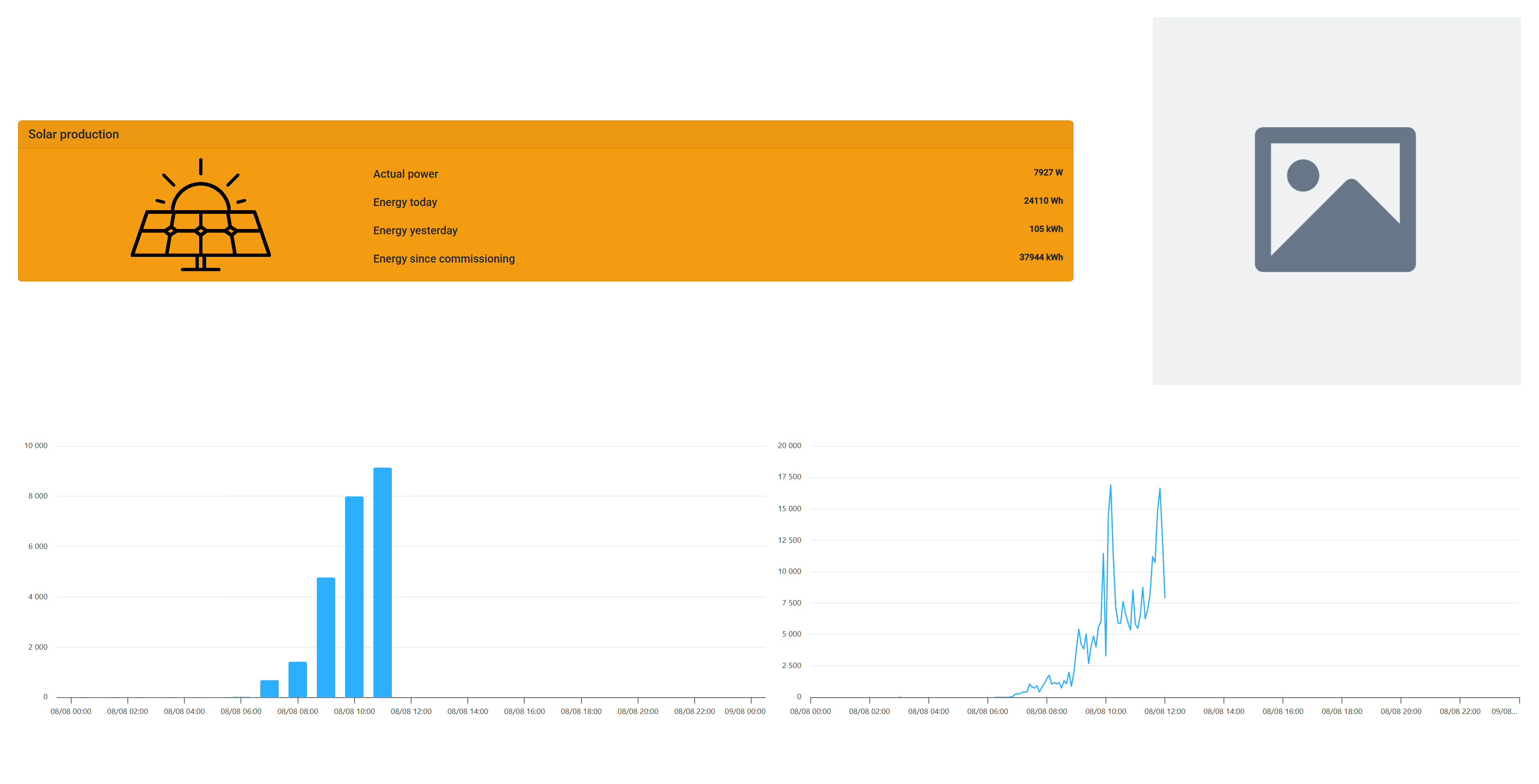
Verify:
After preview approval, link the instance to the intended claimed controller.
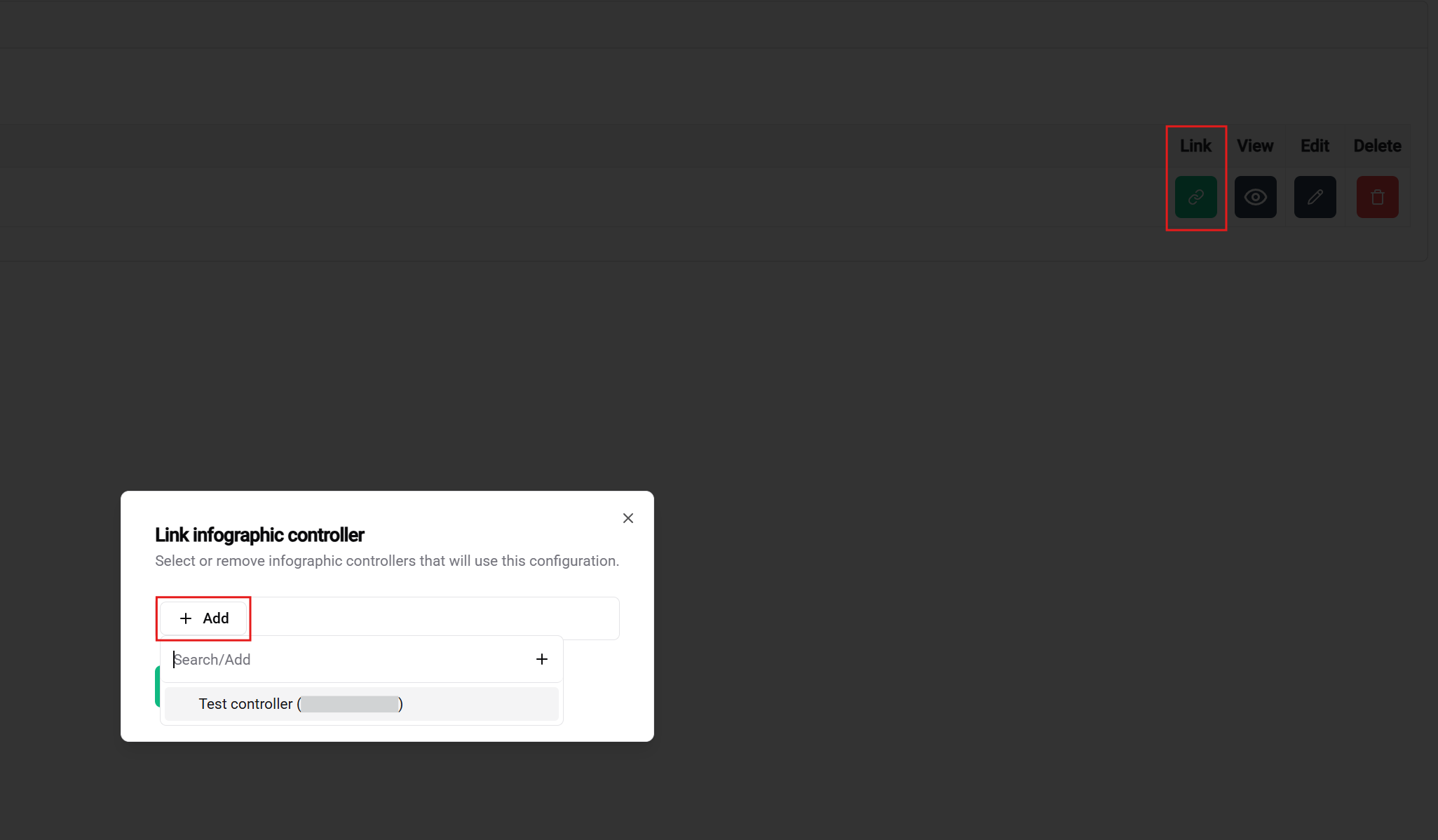
Confirm the physical destination
Controller names are administrative labels. Verify the serial number or physical installation record before replacing an existing screen assignment.
For a production display, preview changes before saving, record substantial template changes, and keep a rollback option. Updating a shared template can affect several site instances; updating an instance should affect only that site's resolved presentation.