
Build reusable slides with positioned image, chart, and solar-overview blocks.
A template is the reusable visual structure of a public display. It defines the slides, block geometry, and default content without binding the design to one installation.
The overview lists saved templates and supports adding, editing, and deleting them.

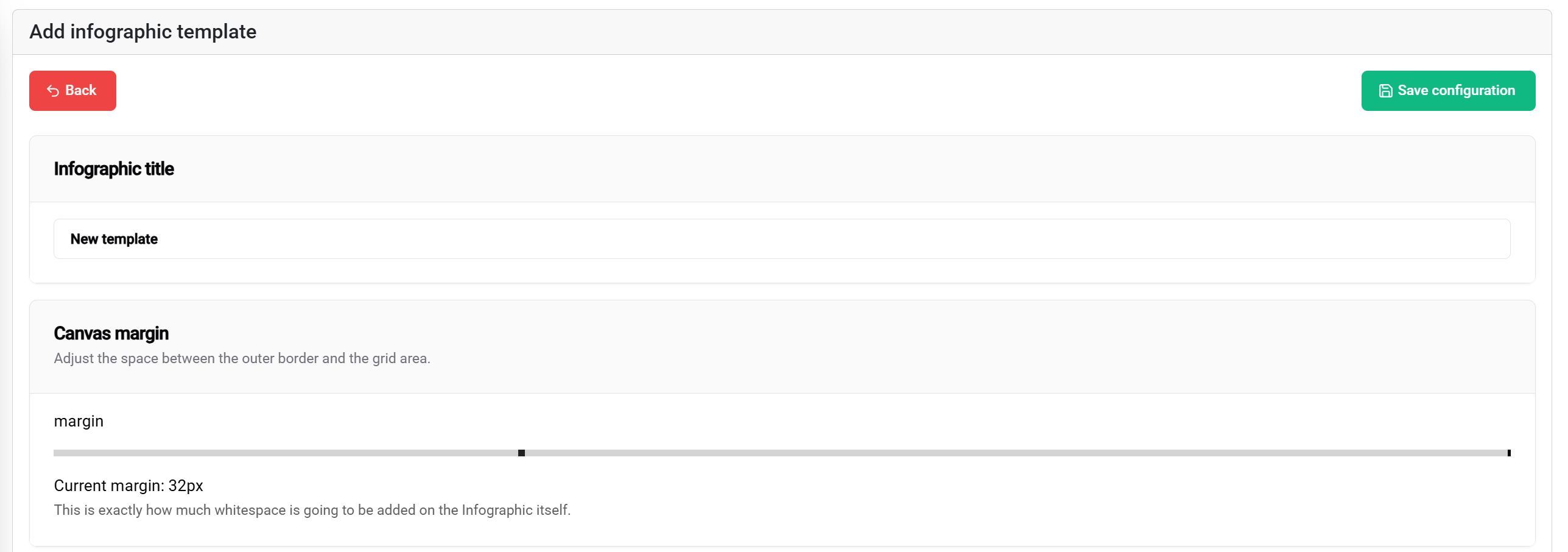
Give the template a clear title and configure the canvas margin. The editor uses a default canvas margin when a new template is created, which can then be changed for the target display.
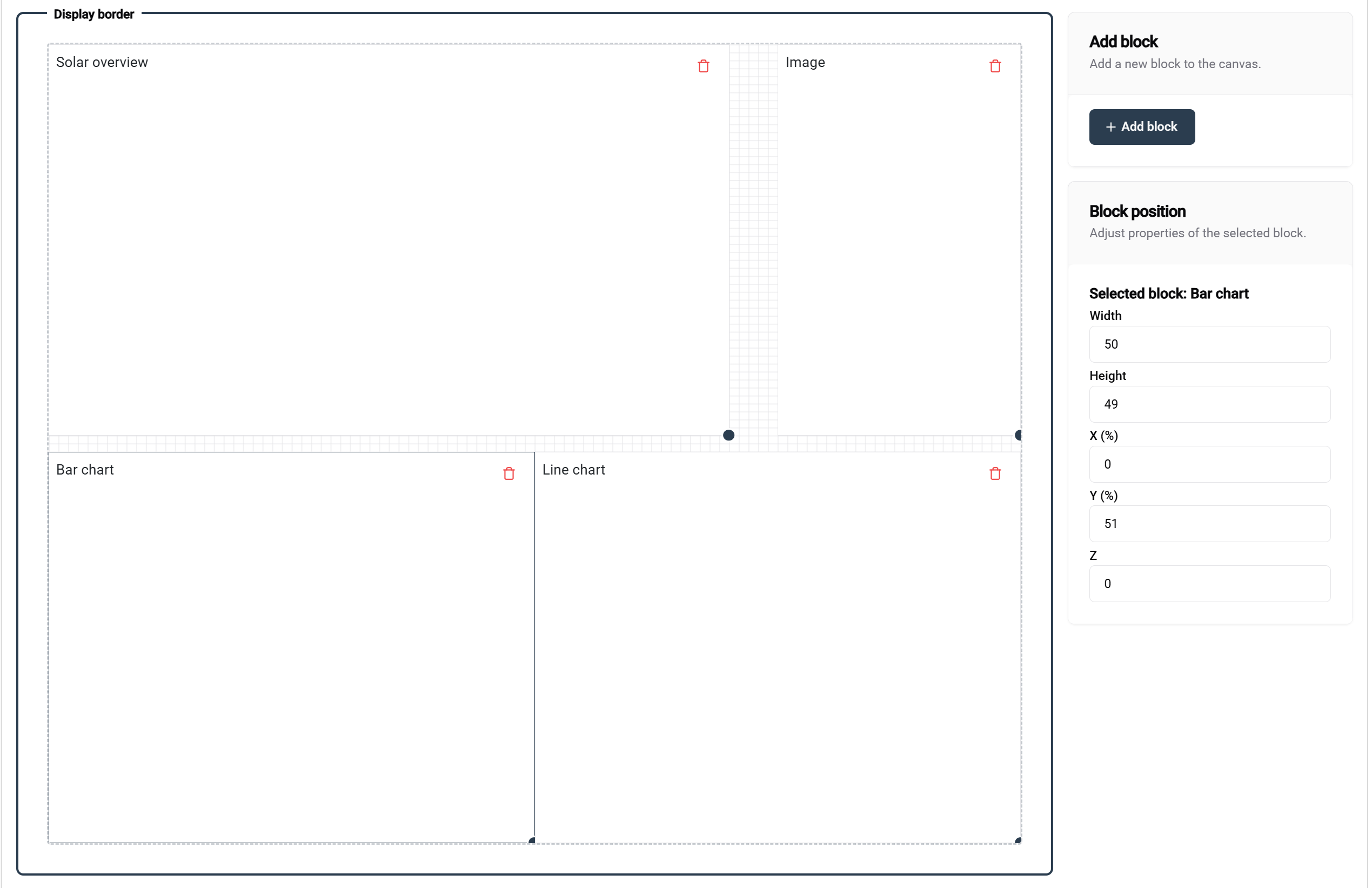
Each block has a position, width, and height. Select a block to edit its exact geometry or adjust it visually in the slide editor.
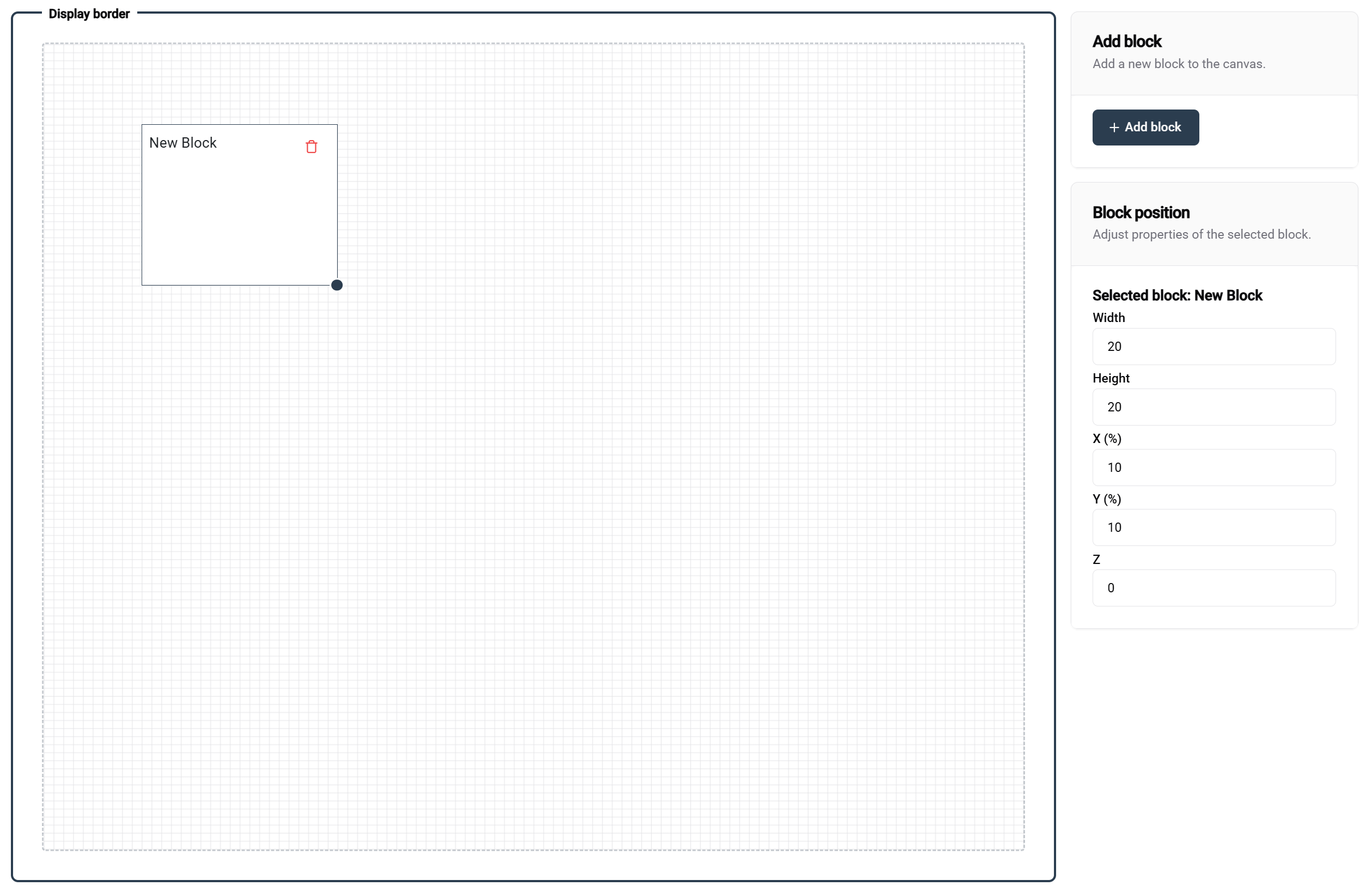
The current code enforces minimum block dimensions and reports when no block is selected. Avoid edge-to-edge content unless the target screen's overscan and browser viewport have been tested.
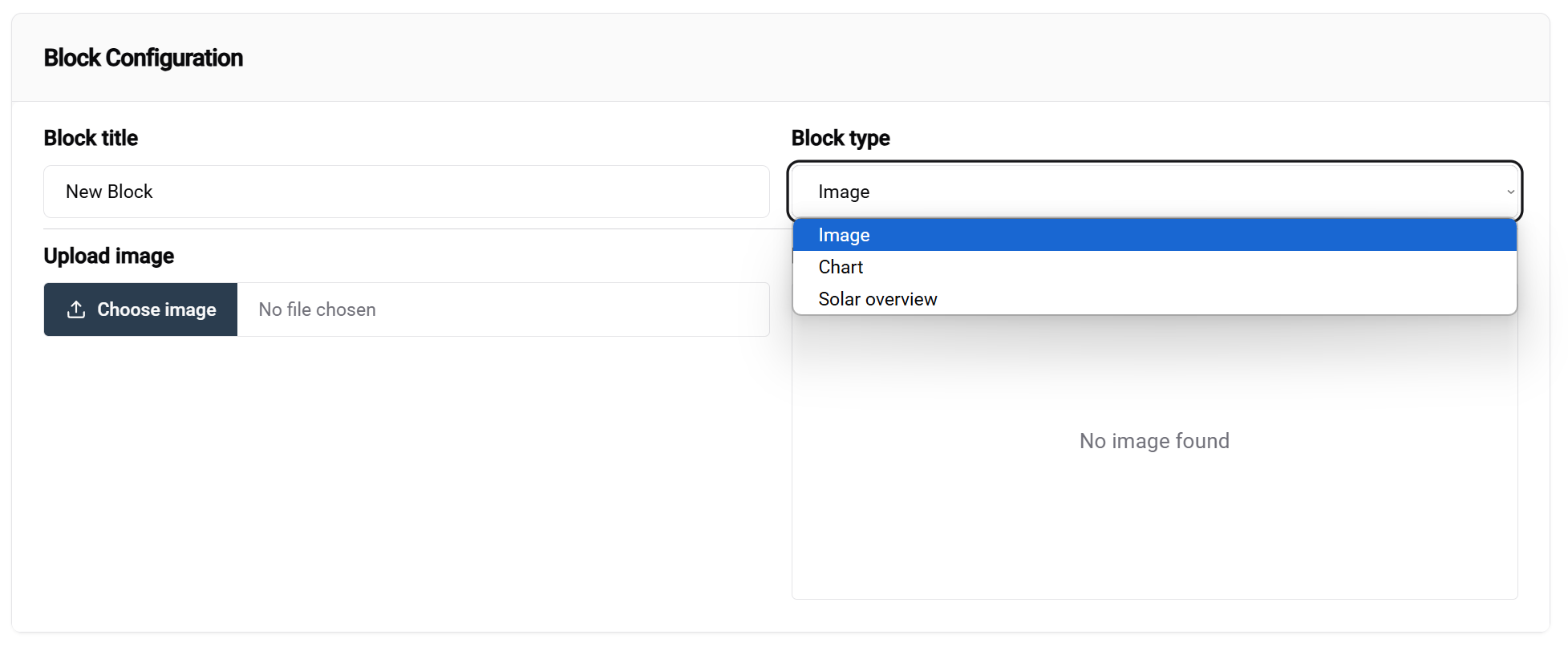
| Type | Use | Template configuration |
|---|---|---|
| Image | Logo, photo, diagram, or decorative visual. | Upload, preview, replace, or remove the image. |
| Chart | Historical energy or operational trend. | Select the series type and supported range. |
| Solar overview | Site-oriented renewable-energy summary. | Uses the site context supplied by the instance. |
Save the template, return to the overview, and open it again before creating site instances. This confirms that slide order, geometry, uploaded assets, and chart configuration were persisted.
Deleting a template can affect instances
Check which site configurations depend on the template before deleting it. Prefer creating a new version when a production display needs a substantial redesign.