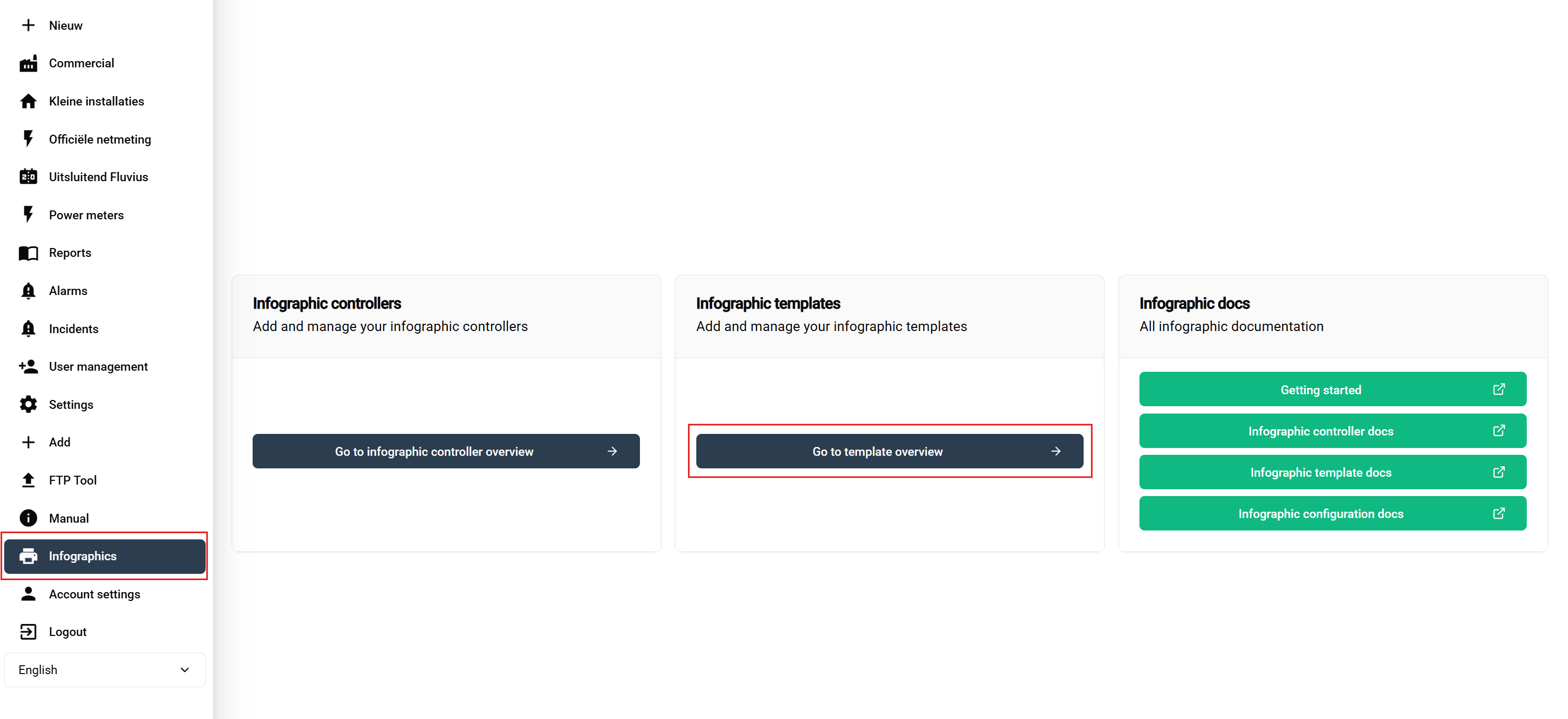
Open Public displays and choose the template area.
Add a template and give it a descriptive title.
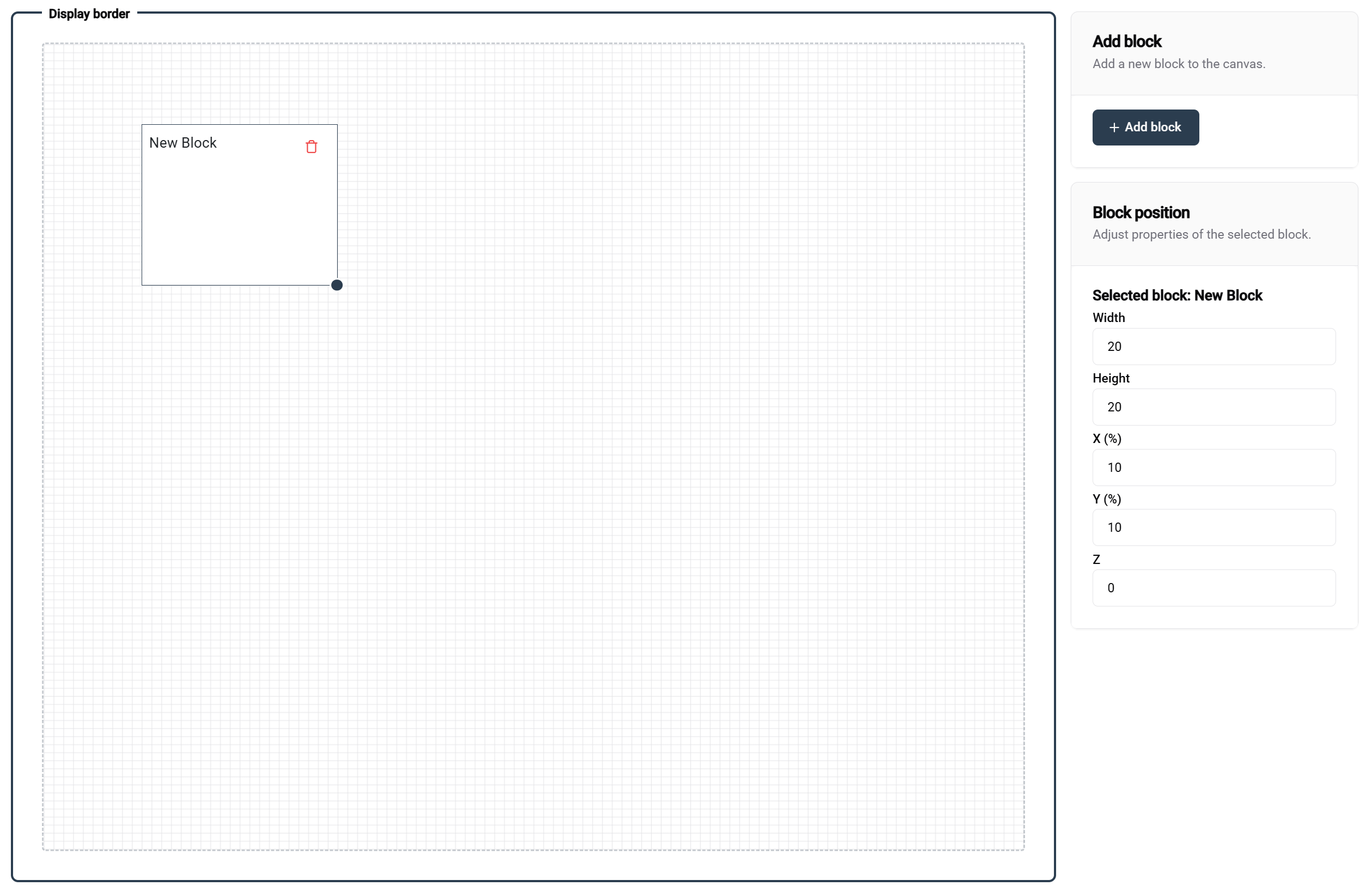
Configure the canvas margin.
Add one or more slides.
Add blocks to each slide.
Position and size the blocks.
Configure the block type and its defaults.
Save and preview.
The current code supports image, chart, and solar-overview block types. Chart blocks select a series type and range; image blocks support an uploaded image and preview.
Open the target installation and choose Public displays from the device Features menu. This site-level entry requires administrator authority on a supported site type.
Add an instance configuration.
Select the template.
Override the supported block values for this site.
The global controller area is available to owners.
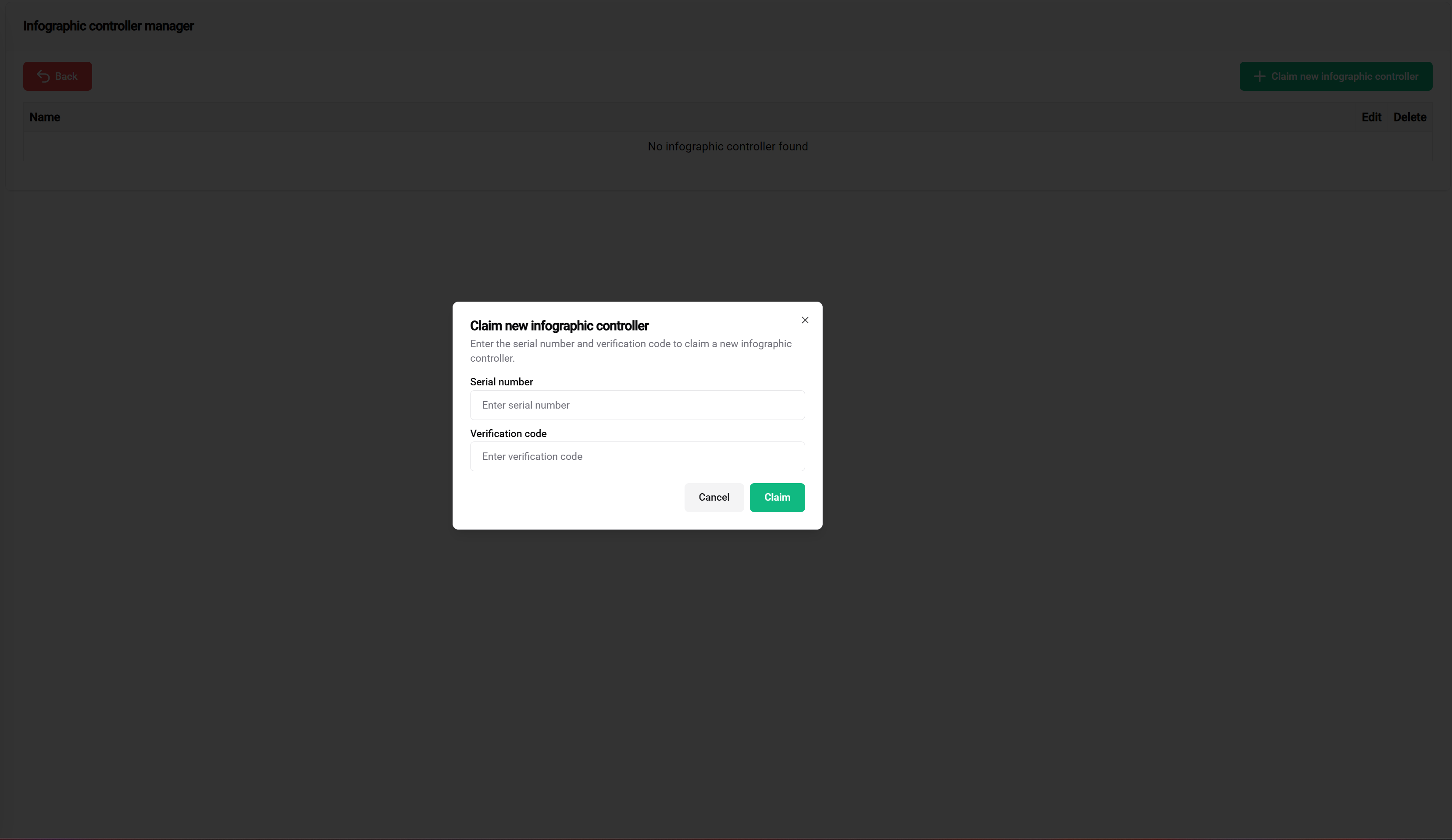
Enter the display controller serial number.
Enter its verification code.
Claim the controller.
Return to the site instance and link it to the intended controller.
Verify the result on the physical screen.
Keep controller credentials private
Treat the serial number and verification code as provisioning credentials. Store them in the approved credential system and do not place them in a public document or display template.