
Claim, name, link, and safely unclaim display controllers.
A display controller is the endpoint that opens a public-display instance on a connected screen. Controller management is separate from template design and site-instance configuration.
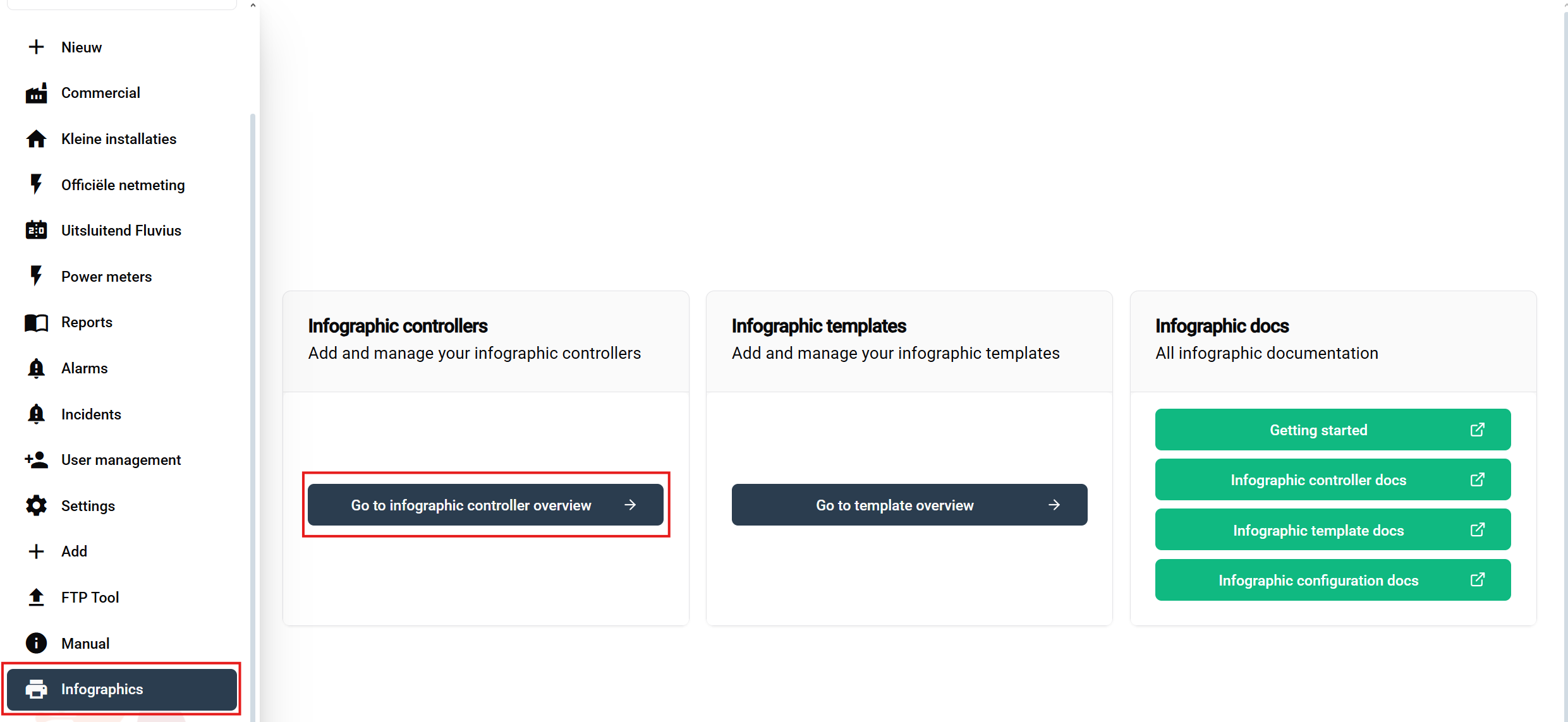
From the owner-only Public displays area, open the controller overview.
The controller manager is where you claim endpoints and review the controllers available to the organisation.
The table lists the controllers available to the organisation and provides the supported management actions.

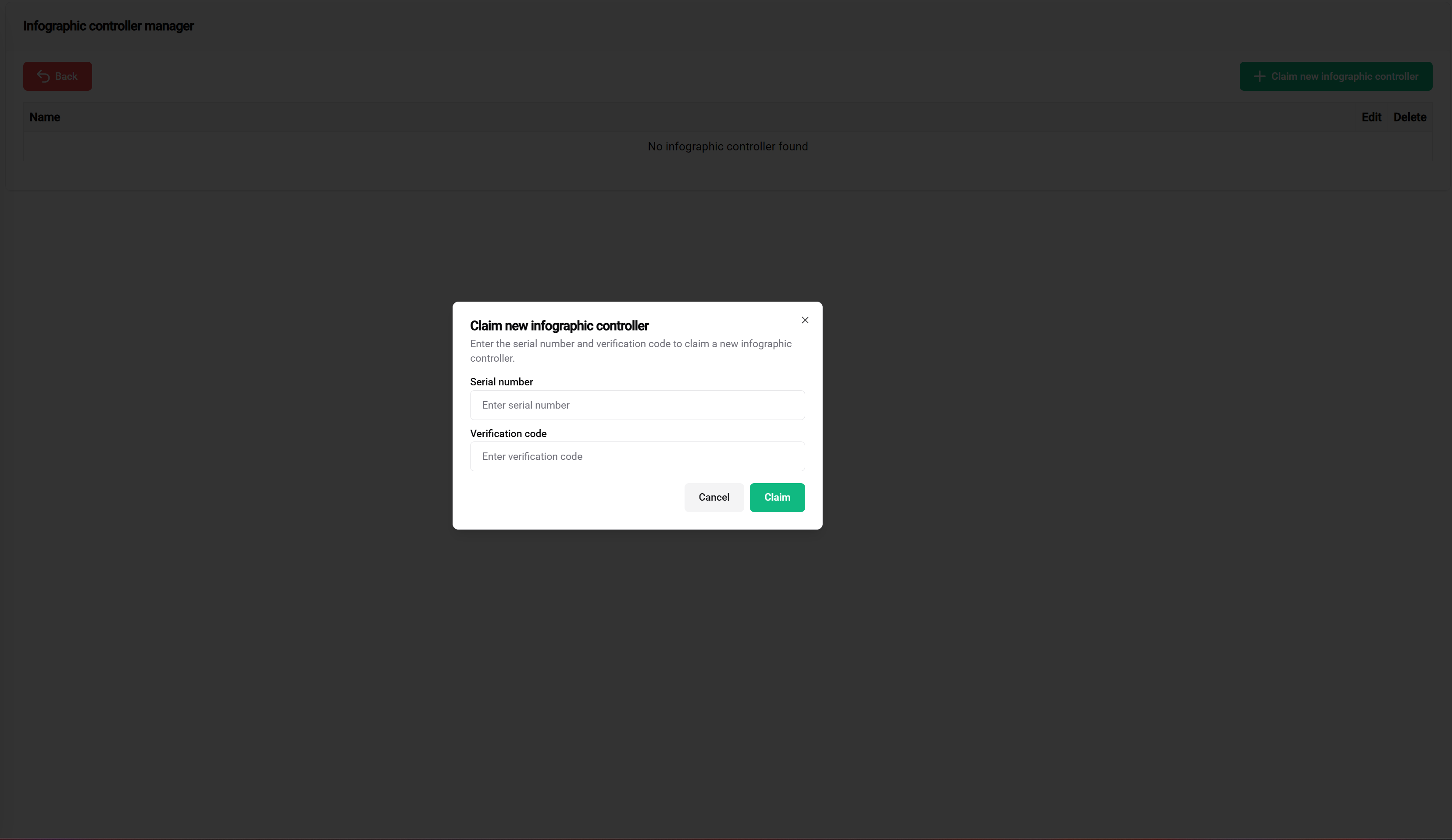
The claim component validates the supplied identity before the controller becomes available for linking.
Use a name that identifies the physical destination, for example the site and screen location. The controller is linked from a saved site-instance configuration rather than directly from the template.

Before unclaiming:
Do not confuse controller types
A public-display controller is managed in the Infographic feature. A controller is claimed from the global Add page and creates an energy-device hierarchy.