
| Device Type | Cloud API | Modbus TCP (Ethernet) | RS485 |
|---|---|---|---|
| Easee One | ✅ | ❌ | ❌ |
| Easee Up | |||
| Easee Max | |||
| Easee Pro | |||
| Easee Charge | |||
| Easee Core |
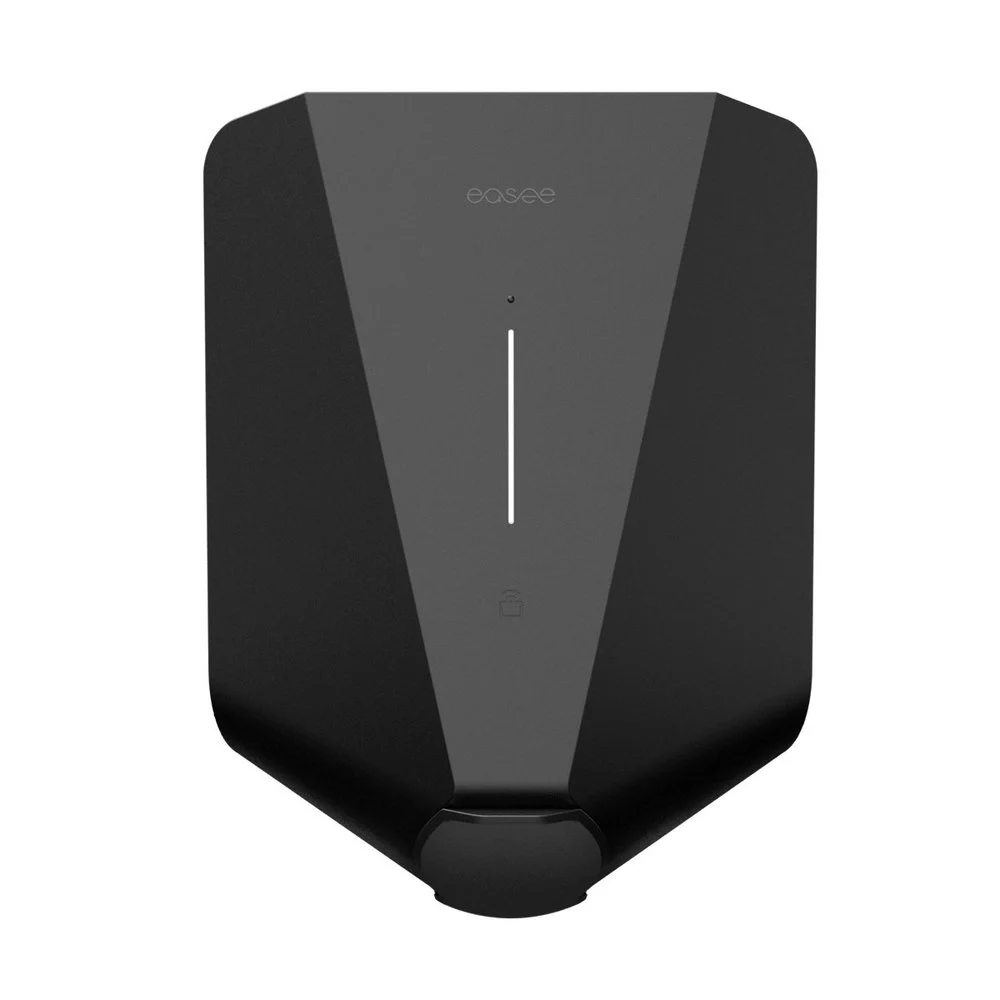
In beta and available on request. The additions in this overview require the matching integration or controller update and are not confirmed as part of the standard customer release. Request them through your existing Eniris support conversation. The status applies to these additions, not to every existing function of the devices listed elsewhere on this page.
| Model / system | Beta addition | Validation and conditions |
|---|---|---|
| Easee cloud connection | Reduced repeated requests; phase-mode handling | Commission for the installation and cloud account |
See integration details for connection requirements and operating limitations.
The Sofar EMS communicates with Easee chargers via the Easee API. To enable communication, you need to have an account on the Easee Cloud platform and link your chargers to that account. You can then enter your Easee Cloud credentials in the Sofar EMS configuration.
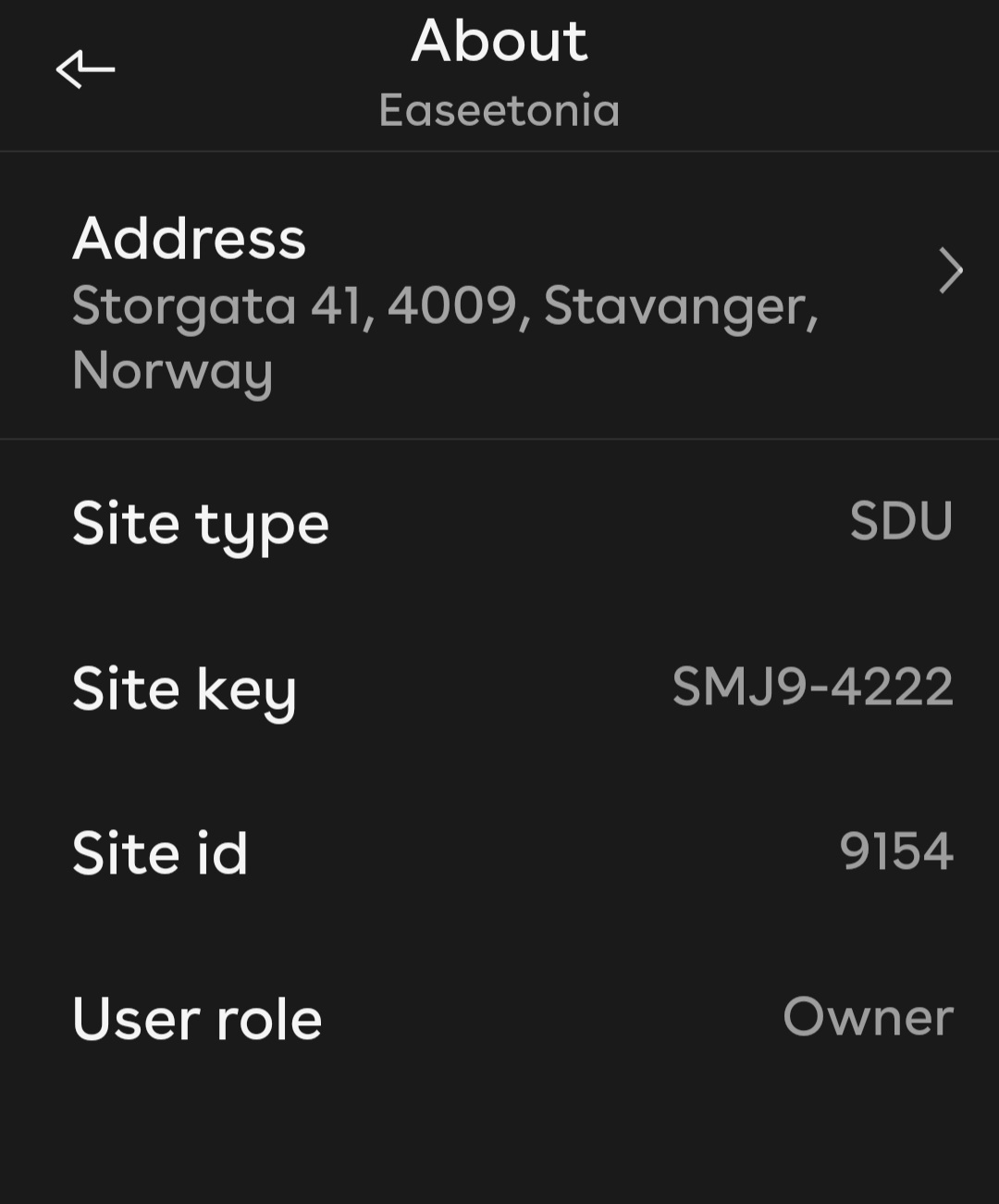
In addition, an site key is needed. This can be found in the Easee app. This is the card shown when you press About in the Site Settings page. More information about this card can be found in the site card page of the Easee documentation.
Command-on-change handling and shared observation polling reduce repeated cloud requests. The commissioning build preserves the required phase mode; availability depends on the charger installation and cloud account.