

SolarEdge SE2200H - SE6000H inverters
Supported Devices
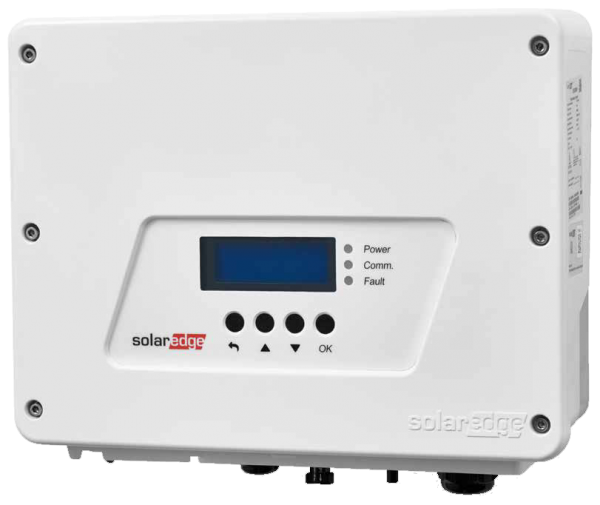
| Device Type | Modbus TCP (Ethernet) | RS485 | Curtailment |
|---|---|---|---|
| SolarEdge SE2200H | ✅ | ✅ | ✅ |
| SolarEdge SE3000H | |||
| SolarEdge SE3500H | |||
| SolarEdge SE3680H | |||
| SolarEdge SE4000H | |||
| SolarEdge SE5000H | |||
| SolarEdge SE6000H |
Wiring
For correct ethernet wiring: Follow the the guidelines for ethernet wiring.
Configuration
Activating Modbus TCP communication
In the menu, navigate to "Communication" -> "LAN Conf" -> "Modbus TCP", and activate Modbus TCP.
When Modbus TCP is activated, the following status screen will be displayed:
Modbus TCP: <status>
IP:192.168.1.210
Port:502